Microsoft
- Inking
- Productivity
- Interaction
By designing seamlessly for touch, type, and pen, whiteboard provides a freeform canvas for teams to collaborate visually.
How might we allow users to interact with the canvas and the objects on the canvas?



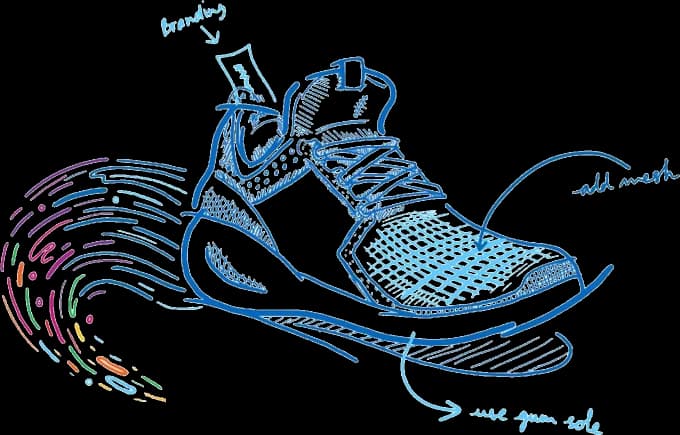
Style idea: Bright gradient synthetic mesh on the upper section
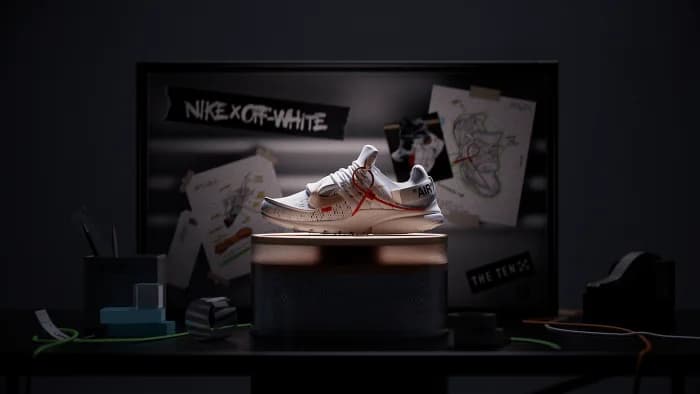
 PowerPoint
 Word
Word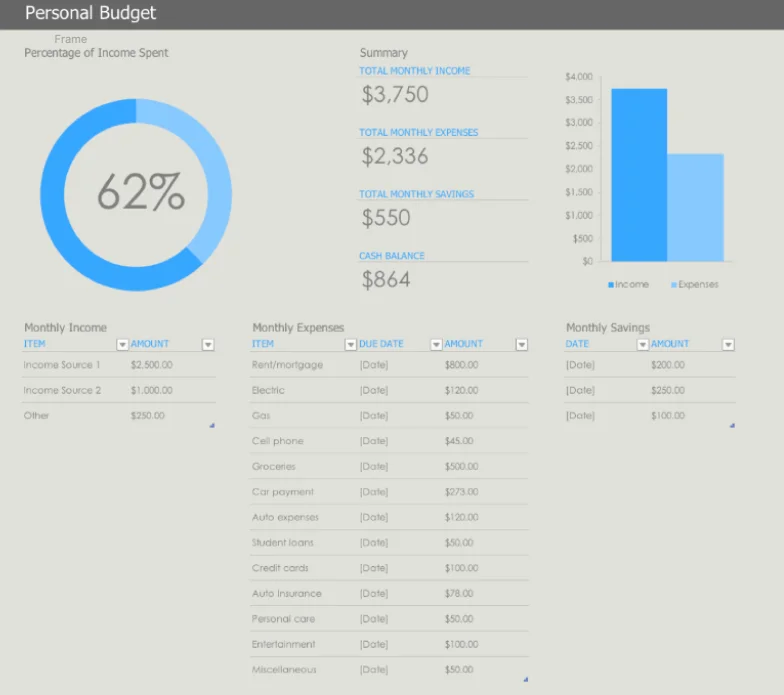
 Excel
Excel
 Medium


Can we use one model to support different hardware devices?
Prioritize an ink-first experience for seamless content creation.
Ink
Inking is the most important feature in Whiteboard
Scroll canvas
Scroll canvas to make more room for new content.
Zoom canvas
Quickly switch between big picture and small details.
Move object
Move objects to organize content or make more room.
Resize objects
Resize objects to organize content or ink on it.
Activate objects
Activate objects to invoke more features.

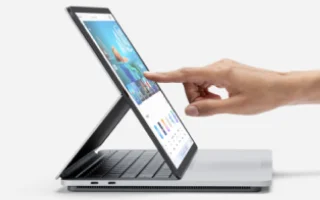
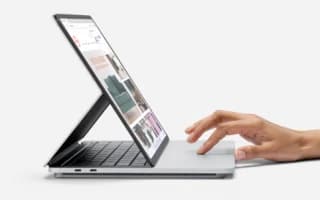
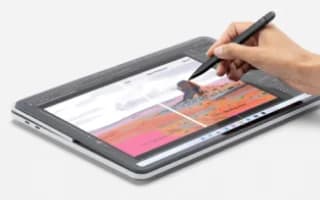
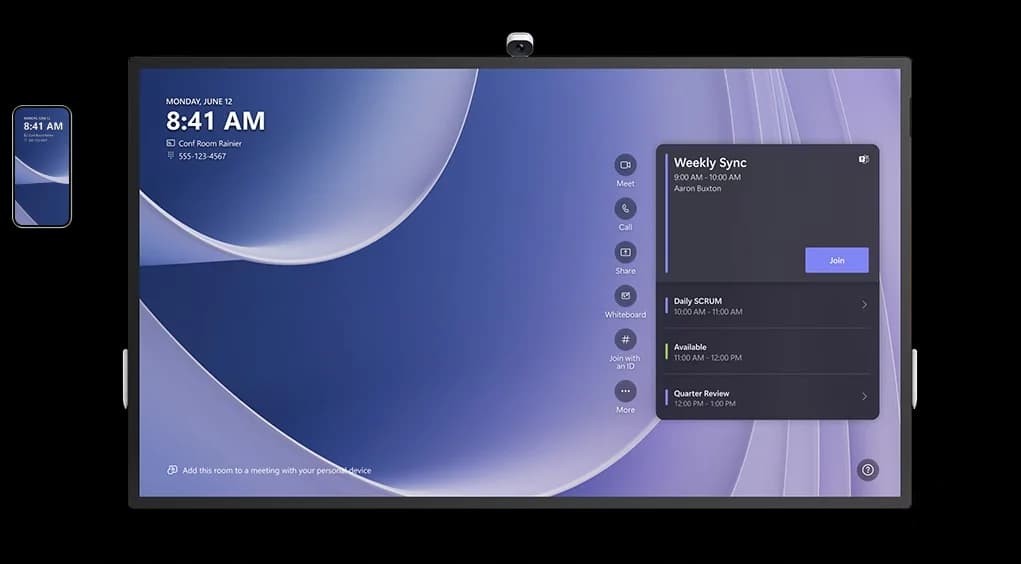
Align touch and stylus interactions model with the use cases.
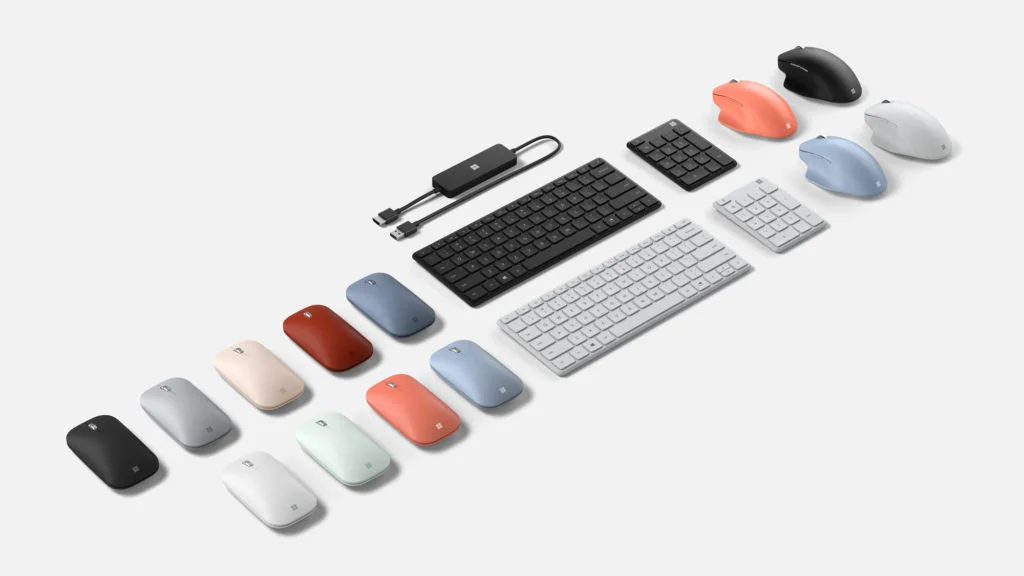
Mouse and keyboard interaction model for familiarity and consistency.

Touch/stylus enabled seamless collaboration; the map-like mouse/keyboard model proved successful in usability tests.